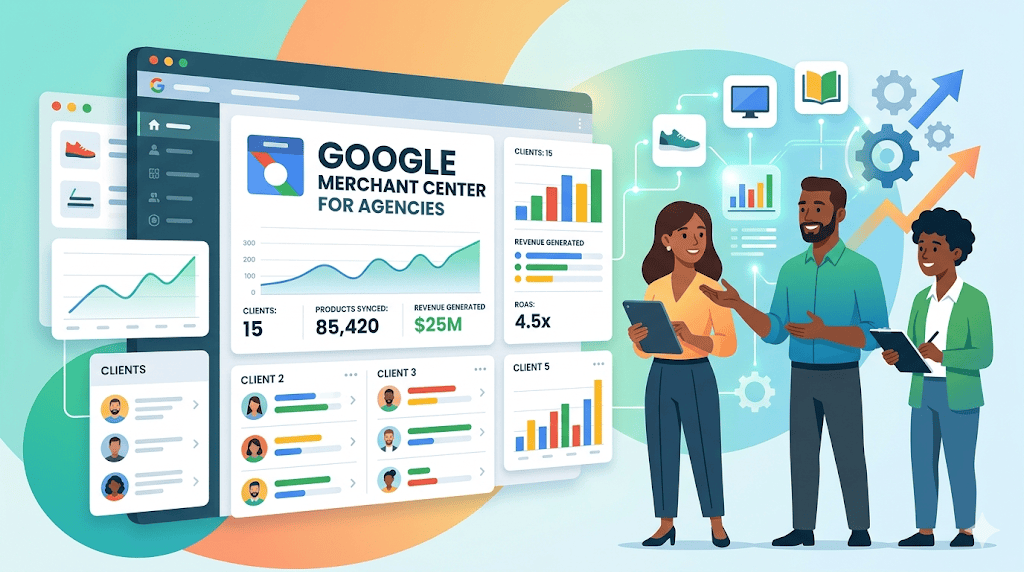
Google has launched Merchant Center for Agencies globally, providing a unified dashboard that enables agencies to manage multiple client accounts from a single interface. This centralized platform improves operational workflow efficiency, accelerates feed issue resolution, helps prevent account suspensions, and supports enhanced Google Ads performance.
Google has introduced the new Google Merchant Center for Agencies to help agencies manage multiple client portfolios from one centralized dashboard. This setup simplifies product feed management, speeds up the resolution of diagnostic issues, and organizes reporting across Google Shopping campaigns. In this guide, you will learn how to request an agency account conversion and activate client accounts. You will also understand how to use the platform to streamline daily operations, protect client revenue by addressing policy violations early, and manage ecommerce campaigns efficiently.
What is Google Merchant Center for Agencies?
Google Merchant Center for Agencies is a specialized platform built exclusively for agencies managing multiple third-party Merchant Center accounts. It provides a centralized dashboard to monitor and manage all client portfolios in one place, eliminating the need for multiple distinct logins. By utilizing this unified interface, agencies gain scalable account management capabilities and centralized product feed monitoring.
Key value includes:
- Unified multi-client dashboard
- Centralized product feed monitoring
- Scalable account management
For example, an agency handling twenty different ecommerce clients can track all account health metrics and product feeds directly from a single interface. Instead of logging out and switching between individual accounts, the team reviews all client statuses concurrently.
How does the agency account improve operational efficiency?
The agency account significantly enhances workflow efficiency by providing centralized visibility and bulk optimization capabilities across all linked accounts. Agencies can identify feed errors faster and apply optimizations without navigating through disjointed individual dashboards. This centralized visibility leads to improved product data quality, which directly supports steady Shopping Ads performance.
Performance impacts include:
- Improved product data quality
- Faster issue resolution and reduced downtime
- Enhanced reporting with actionable insights
For example, if multiple clients face missing Global Trade Item Number (GTIN) issues, agencies can diagnose these warnings simultaneously. The team can resolve the missing data requirements at scale instead of investigating and fixing each account individually.
What happens if a client account is unlinked?
If an agency removes a client from the unified dashboard, the client’s individual Merchant Center account remains active and unchanged. The agency simply loses centralized visibility, but no product feeds or ad campaigns are paused.
How can agencies prevent account suspensions with this platform?
The platform helps prevent account suspensions by proactively flagging policy violations, feed warnings, and diagnostic issues across all managed clients. This early detection system allows agencies to address critical warnings before Google takes enforcement action. By tracking real-time diagnostic alerts centrally, agencies can resolve data discrepancies immediately to protect client revenue.
The platform prevents escalations by offering:
- Centralized alerts across all clients
- Real-time issue tracking
- Faster resolution times
For example, if a client receives a warning for mismatched pricing between their product feed and website, the agency dashboard flags it immediately. The agency can update the feed data before the standard warning period expires, avoiding an account-level suspension.
What happens if a policy violation goes unnoticed?
If a violation is ignored, Google will eventually suspend the specific client’s Merchant Center account, halting their Shopping Ads. However, other client accounts within the agency dashboard remain unaffected by this isolated suspension.
What are the steps to convert to an agency account?
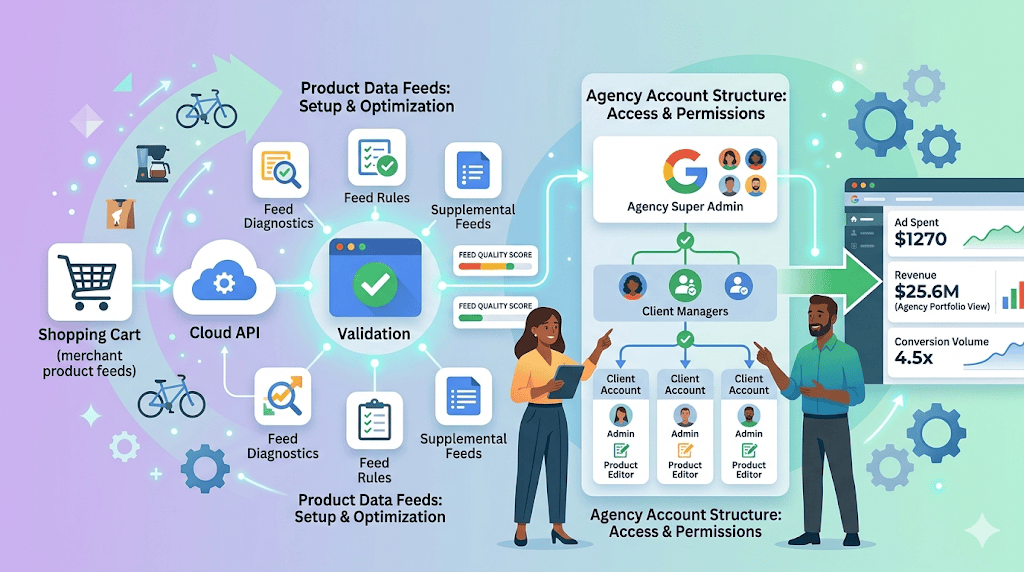
Agencies must visit their current Merchant Center, navigate to the Agency section, and submit an official conversion request to Google. Upon approval, the agency gains access to the centralized dashboard where they can link existing client accounts. The post-activation process involves requesting access from individual businesses to sync their product data.
Steps to Get Started Merchant Center Agency Account
- Visit Merchant Center
- Navigate to Agency section
- Submit conversion request:
https://support.google.com/merchants/contact/agency_account_conversion_request - Wait for Google approval
- Access the centralized dashboard post-approval
- Link existing client accounts
Post-activation:
- Add clients via “Add Account”
- Send linking requests
- Sync data into unified dashboard
What happens if an agency needs to add a new client after activation?
If an agency signs a new retail client after the account is active, they simply use the “add account” feature in the unified dashboard. The new client’s data will sync seamlessly into the central hub once the access link is accepted by the client. Users looking for more details on how do agencies manage access levels internally? can configure permissions directly within this new default view.
For example, an agency submitting a conversion request will use the dedicated Google support form to verify their multi-client status. Once Google approves the request, the agency sends a simple email approval prompt to sync a new client’s data.
Expert Note According to official Google Merchant Center guidelines, only agencies managing third-party accounts are eligible for this centralized platform. Businesses managing only their own internal brands must continue using the standard Merchant Center interface to remain compliant with Google’s account structuring policies.
FAQs
Who is eligible to use the new agency platform?
Only agencies that manage third-party accounts can utilize this platform. It is designed specifically for teams handling multiple external client portfolios. Individual businesses or brands managing their own feeds are not eligible and should use the standard interface.
Do agencies lose access to individual client data after converting?
No, converting to an agency account does not restrict individual client data. The platform enhances overall visibility while maintaining full account-level access. Agencies still retain data isolation per client and can view detailed diagnostic insights for each specific business.
Can clients still log into their own accounts?
Yes, individual clients retain full administrative access to their own accounts. The agency dashboard simply acts as an umbrella management layer. Clients can continue to log in, update billing, and manage settings independently of the agency’s overarching access.
Author Bio:
Jennifer Dsouza is an Associate Director specializing in SEO at LS Digital Marketing agency. She develops data-driven strategies that enhance search visibility, drive high-intent traffic, and deliver measurable business impact. Her expertise spans content strategy, technical SEO, and leveraging emerging trends to build scalable, performance-focused organic growth frameworks.